One app for attendees, one dashboard for your team
Conecta is the event networking platform behind the shortlist, the meeting at table 3 and the numbers you show afterwards. Here is how the two halves fit together.
The attendee app
The app people open between sessions. iPhone, Android or a browser, in English or Romanian.
People
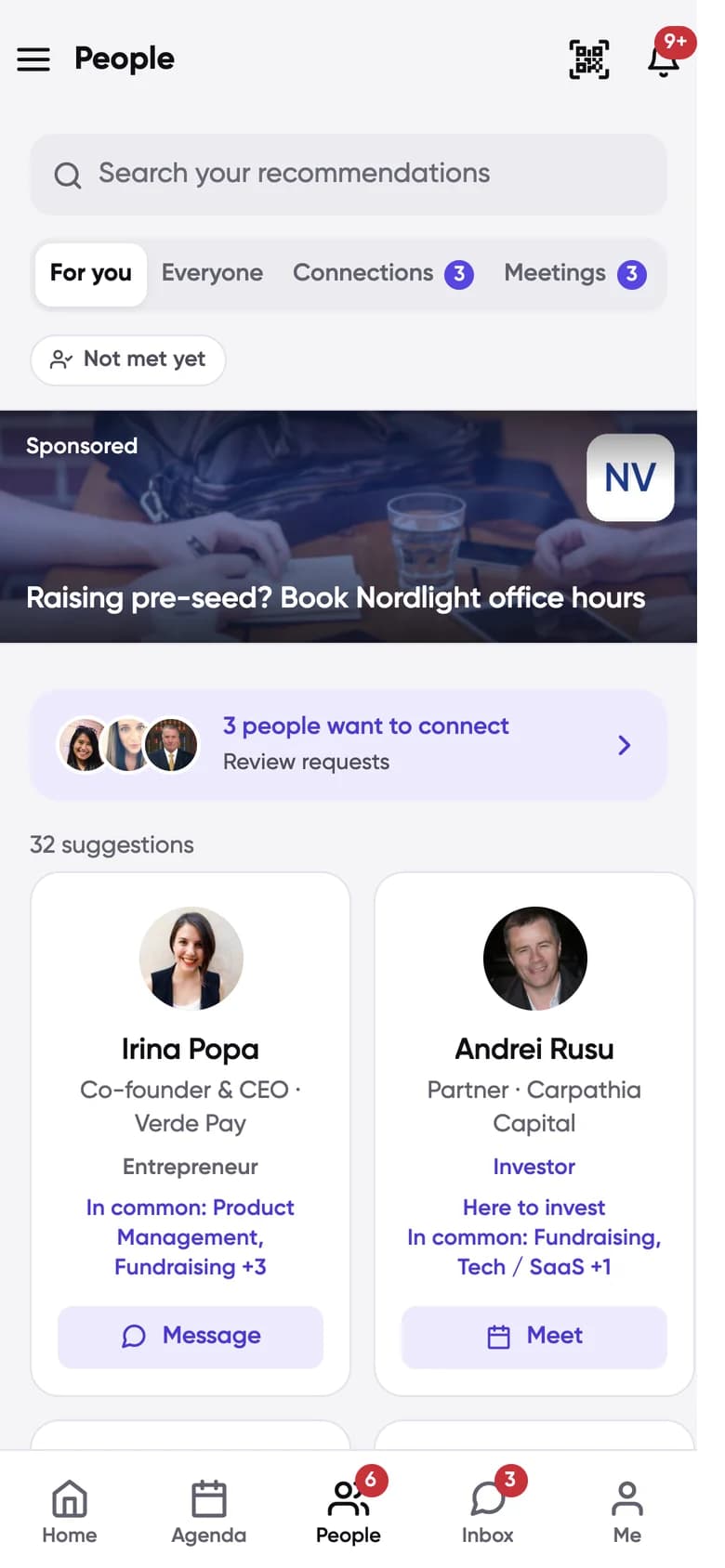
A shortlist, not a directory
Ranked by shared interests and compatible goals, with the reason on every name. Everyone else is one search away.
Profiles
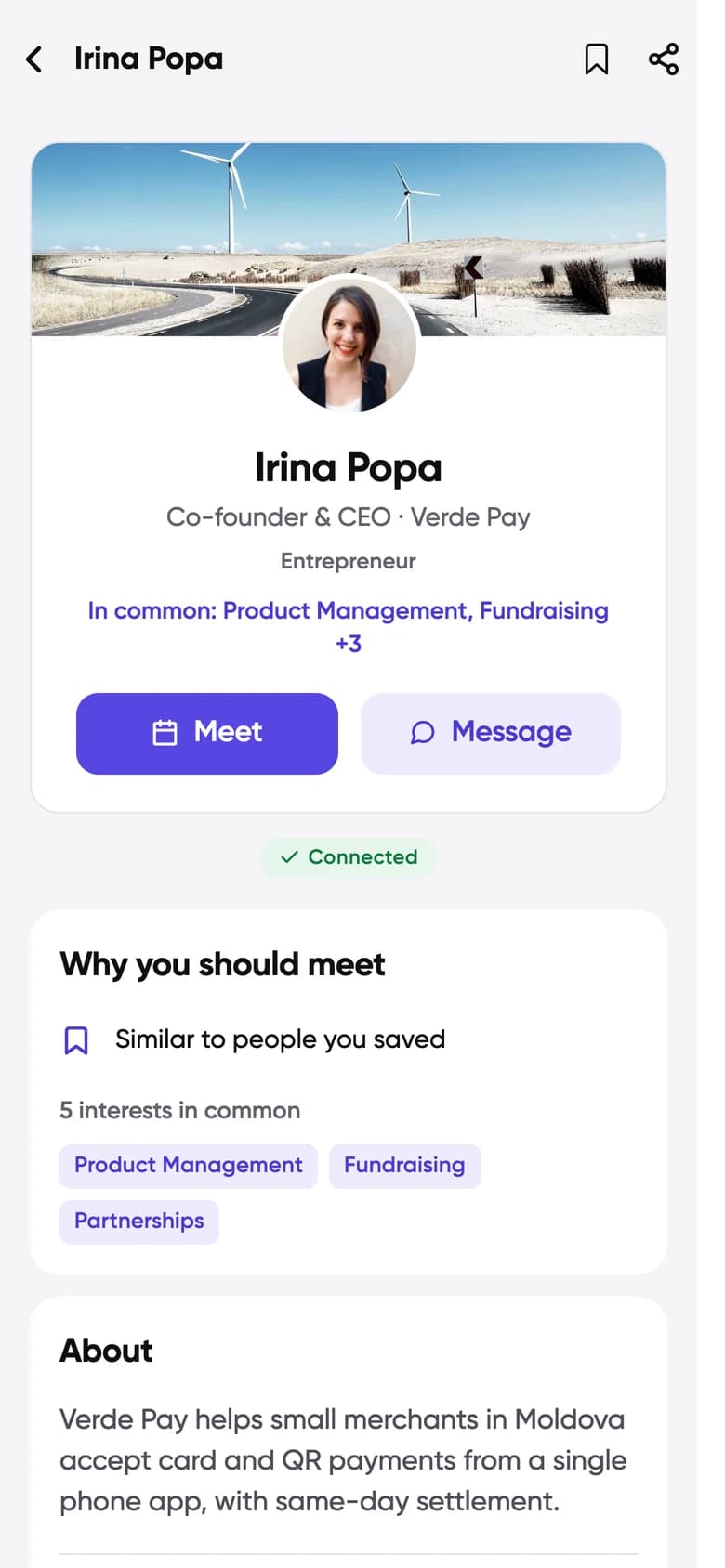
Why you should meet, up front
Role, company, what they work on and what you have in common. Meet and Message sit right under the name.
Meetings
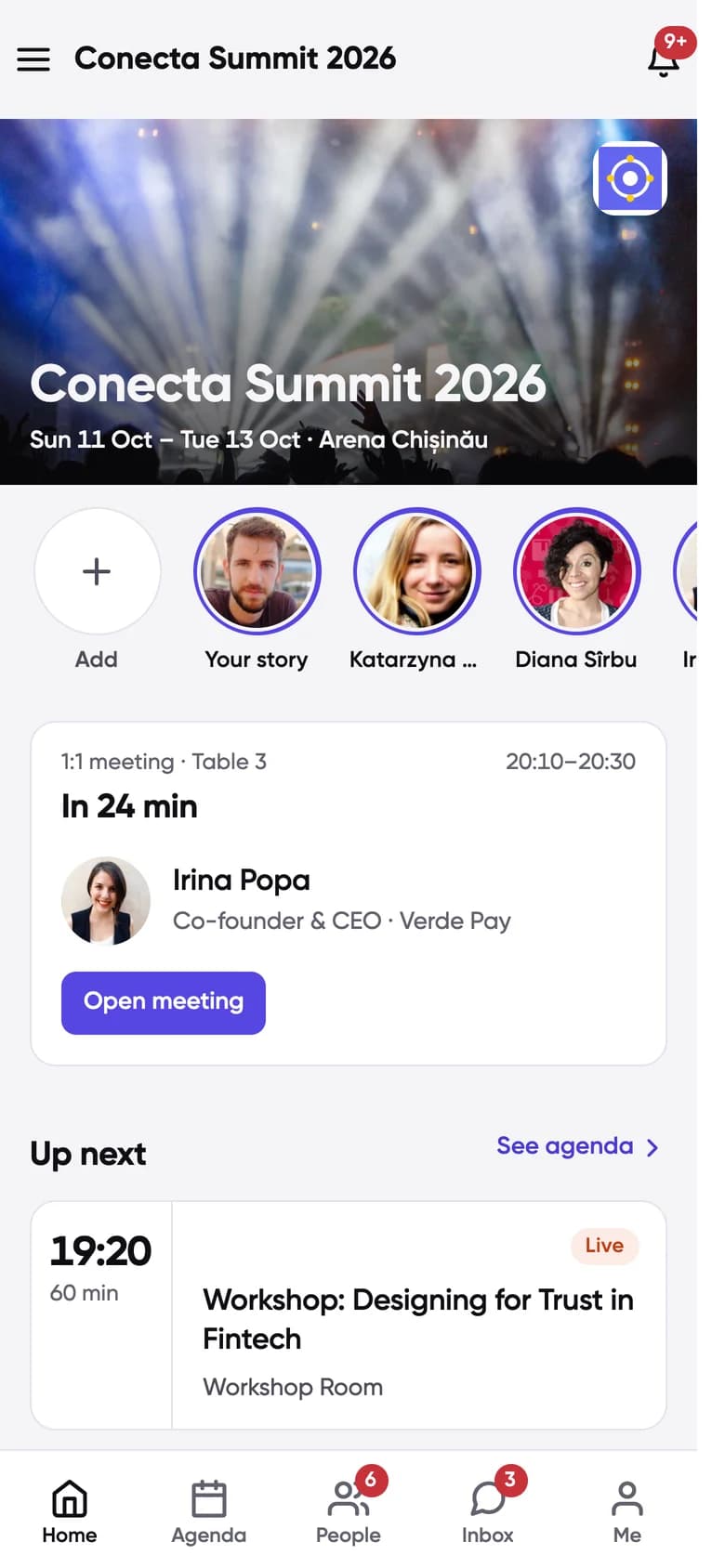
The next meeting leads Home
Who, which table and how long until it starts, followed by the sessions you saved.
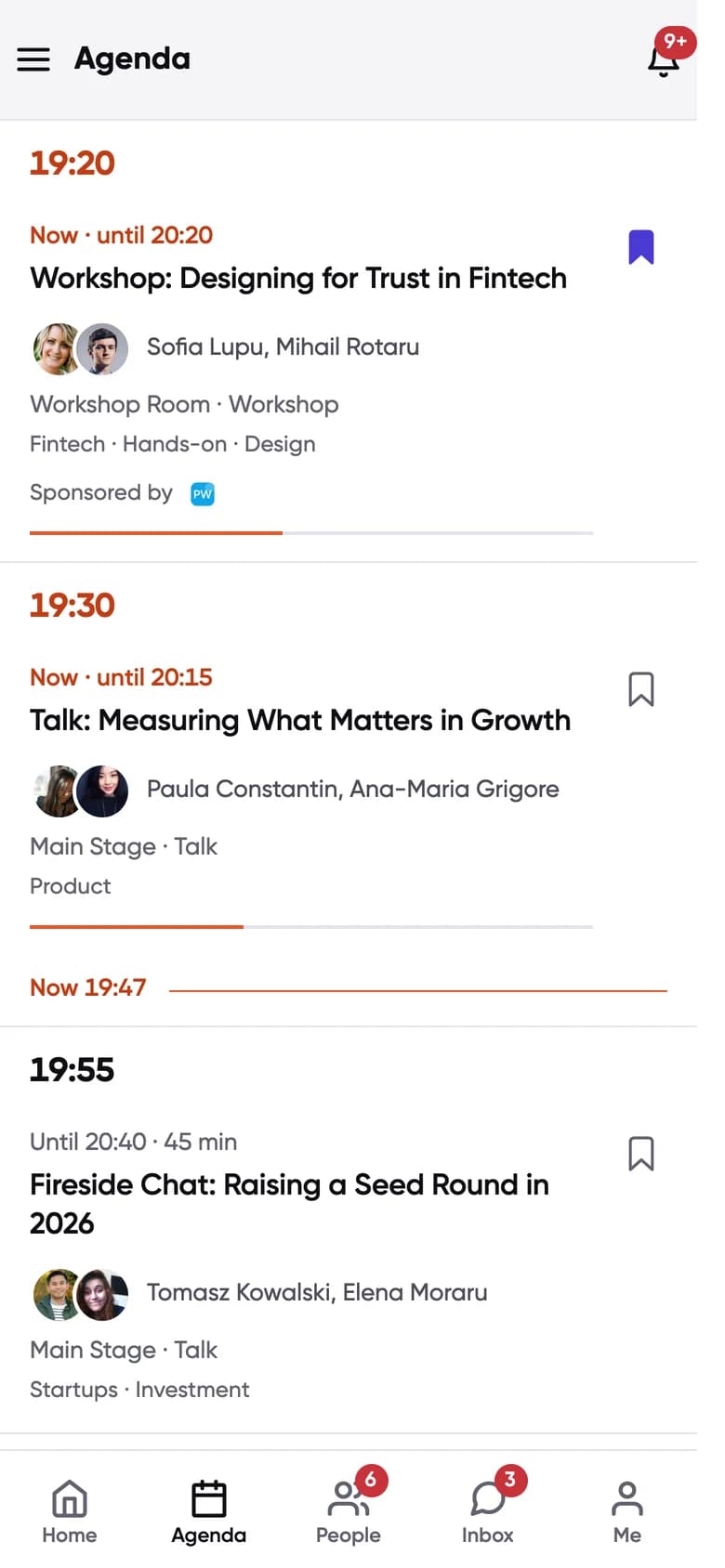
Agenda
Sessions next to meetings
Talks, workshops with seat limits and applications, Q&A and live polls inside each session.
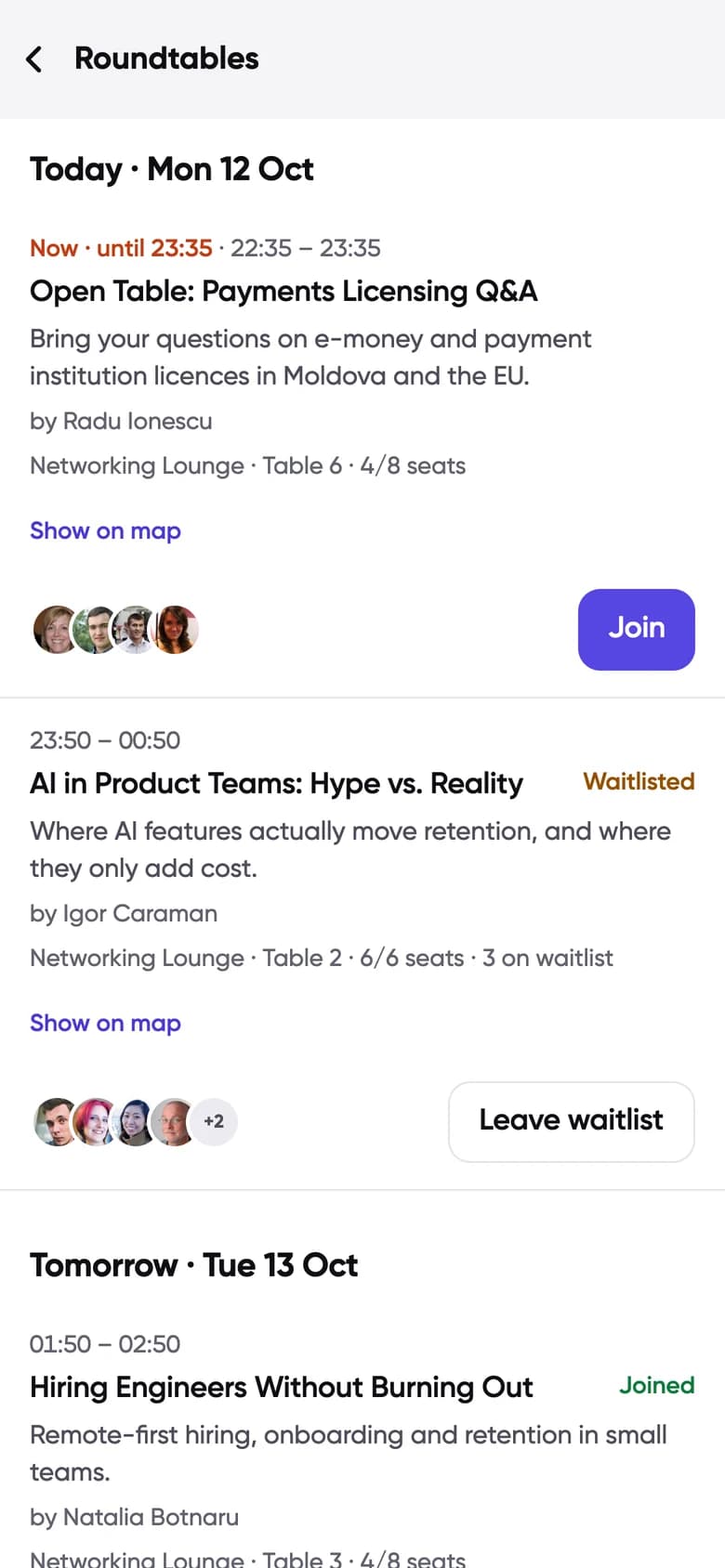
Roundtables
Roundtables with a seat limit
Topic tables with a host, a seat limit, a waitlist and their own group chat.
A meeting, from request to table
One meeting, start to finish, the way it happens in the app on the day.
16:02
You find Irina
She is at the top of your For you list. Fintech and Fundraising in common, and she is raising.
16:05
Meet, 20:10
You tap Meet, pick a free slot and add a line about why. The request lands in her People tab, under Needs your reply.
16:40
Accepted. Table 3.
Irina accepts. The meeting gets a table in the networking lounge and shows up on both Home screens. She could also have proposed another time.
19:46
In 24 min
Your Home screen leads with the next meeting: who, where and how long until it starts.
20:10
You meet
Twenty minutes at table 3. If the event runs online meetings, the call link arrives a quarter of an hour before.
20:31
It carries on
The chat stays open and Irina stays in your connections after the event closes.
What attendees do, and what your team controls
What an attendee does on the left, and the control your team has over it on the right.
- Picks interests and an intent for eachYour team:You define the interests, the categories and which intents each one allows
- Sees a ranked For you listYour team:You switch matchmaking and AI matching on or off
- Reads the About on someone’s profileYour team:Your first short-answer onboarding question writes it
- Books an open slotYour team:You set the slot length, meeting days and hours
- Gets a table without askingYour team:You decide how many tables there are, or make meetings online
- Asks a question in a sessionYour team:You can approve questions before they show
- Gets an announcementYour team:You target it at everyone, a role or a company, and schedule it
- Has their badge scanned at a standYour team:Sponsors ask your qualifying questions and score the lead
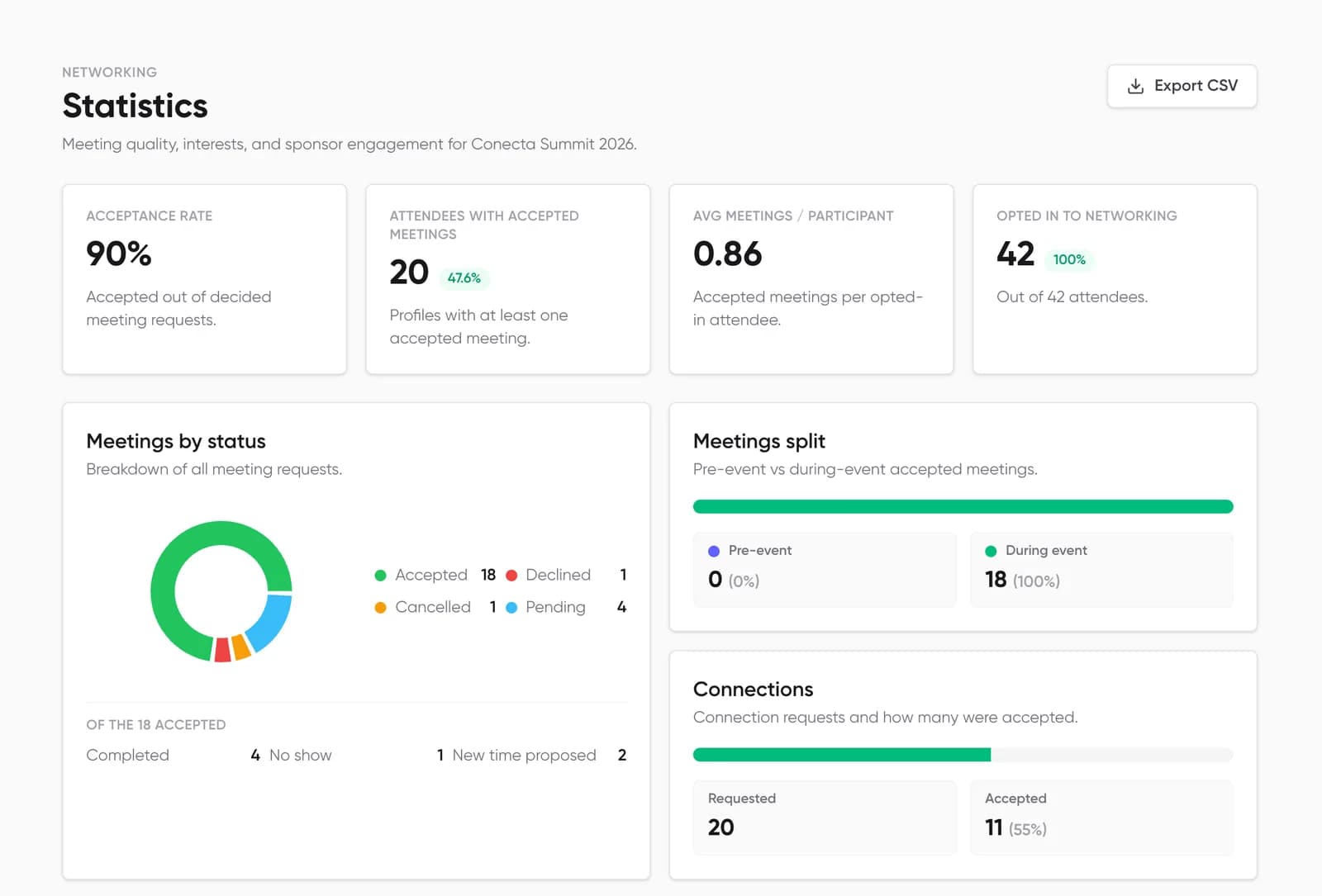
- Meets someoneYour team:It shows on your live board, then in your statistics
Invited to an event that uses Conecta?
Sign in with the email you registered with and you are in.